1
Backbeat Basics
Put the kick on beats 1 and 3, then the snare on beats 2 and 4.
Build a tiny song one colorful step at a time. Everything stays on this device unless a grown-up chooses to download the finished song.
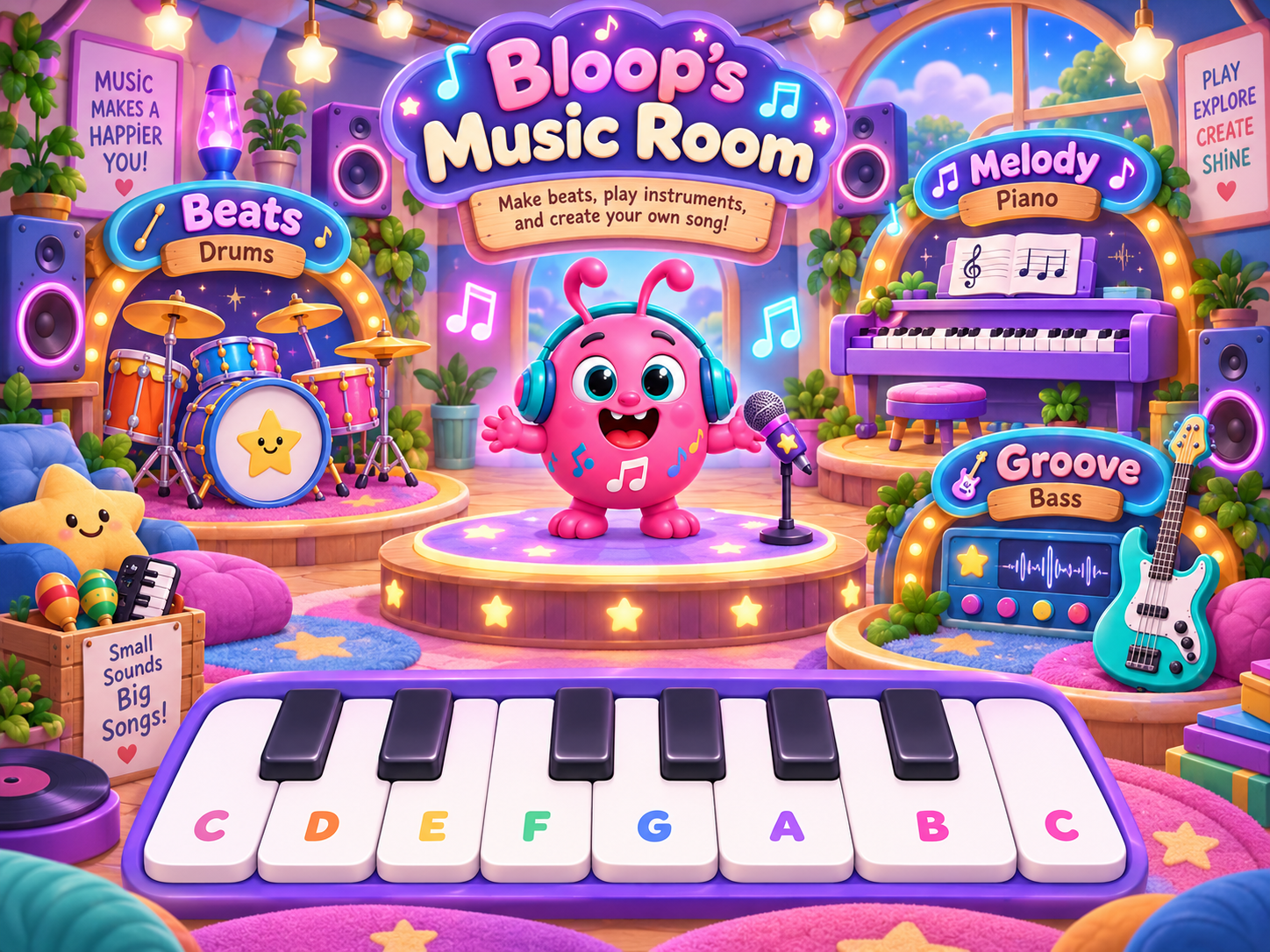
Tap a glowing music station to jump right into Bloop's studio.
Each square is one sixteenth note. The brighter line marks the start of each beat. Use the little 🔊 buttons beside each drum to mute just that sound.
Easy Mode keeps notes in your song's scale. Explore Mode opens all twelve notes. Add a 3rd, 5th, or octave to punch in real chords, then drag the ↔ handle to hold them longer.
Bloop keeps the bass notes inside the selected scale, so experimenting still sounds musical. Bass now uses a smooth sine-style synth. After placing a note, drag its ↔ handle to make it longer than one sixteenth note.
Play freely with extra-large touch keys. This piano is a standalone play area below all of the sequencers, so kids can see the whole keyboard at once without side-scrolling.
Your beat, bass and melody all use the same 16-step loop. Choose how many times the loop should repeat when you save it.
Choose the real spoken opening that will be added before the song.
Includes the chosen spoken intro and your official LumaLoodle outro.
Exports only the music with no intro or outro.
Downloads the beat, bass, melody, and chords as a standard MIDI file for music software.
A grown-up can create a free parent account to save Music Room projects across visits and devices.
Parent Sign In / Create Account0 projects are currently saved to this account.
Small missions teach real music ideas without turning the studio into homework.
Put the kick on beats 1 and 3, then the snare on beats 2 and 4.
Add the root bass note on beat 1 and beat 3.
Place at least four melody notes anywhere in the bar.
Use drums, bass and melody together, then press Play.
The Twinkle Twinkle lesson is still here. Learn one phrase at a time and unlock the whole-song challenge.
⭐ Open Twinkle Lesson